

0001-01-01
ABOUT YOUR TRINITY ID CARD
Your student/staff ID card is your official Trinity identification. It gives you access to a range of essential services, including borrowing from the library, printing on campus, and proving your student status.
It's important to have a valid ID during your time at Trinity College.
If you're getting your student card for the first time, follow the steps below or watch the instructional video below.
HOW TO ORDER YOUR ID CARD
- Review the below photo guidelines below.
- Photo must be on a plain white background.
- Your head, neck and shoulders in frame (please note that some shoulder must be visible).
- Your eyes should be clearly visible (no sunglasses).
- You must look straight into camera.
- Submit a colour photo only.
- Your photo must not be digitally enhanced or edited – please note that if digital alteration (including camera filters and digital editing) has been applied to a photo that significantly alters your facial structure and/or features your photo will be rejected as it must be a true representation of your appearance.
- Take your photo.
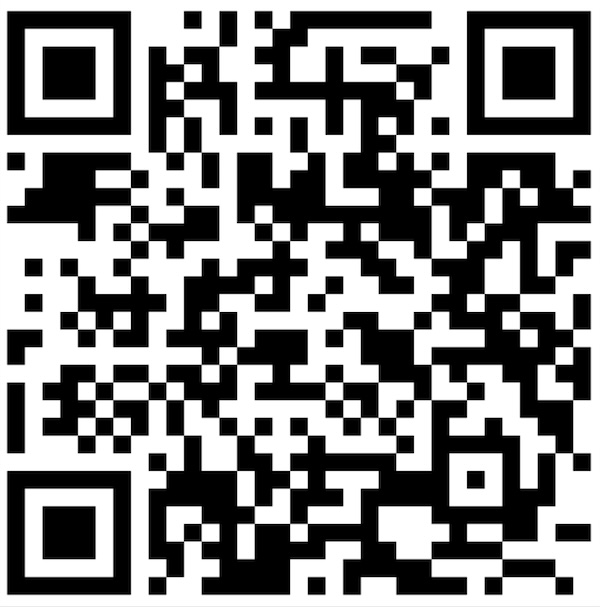
- Login to CaptureME User Portal using your Trinity email address or scan the QR Code below.
- Upload your photo through the CaptureME User Portal.
- Choose a location to collect your card. Select your preferred method for collecting your Trinity ID card. By default, Trinity College staff receive their ID cards from ITS staff during IT orientation.
- Collect your ID Card. You'll receive a confirmation email when your card is ready.
Watch the CaptureMe instructional video below.
NEED A REPLACEMENT CARD?
Option 1: Submit an IT request ithelp@trinity.unimelb.edu.au and one of our IT staff members will notify you when the device is ready for collection.
Option 2: Order your replacement staff card via the CaptureME User Portal.
FAQS
Can I order an ID card now?
Staff and students must have their Trinity email address and log in details before ordering a student card.
need help?
Contact Trinity IT Support
+61 3 8341 0270
Monday to Friday, 8AM – 5PM